From first review
to final delivery.
Review cuts, discuss changes, plan the work, and deliver finals in one browser workspace. Choose the tools each project needs. Guests can join through Share Links without creating an account.
Choose the tools your project needs.
Enable tools per project and choose what each audience sees. Availability depends on your plan; compare the details on the pricing page.
Review & Media
Get from first cut to approved final without leaving the room.
Review
Frame-accurate feedback on your cuts.
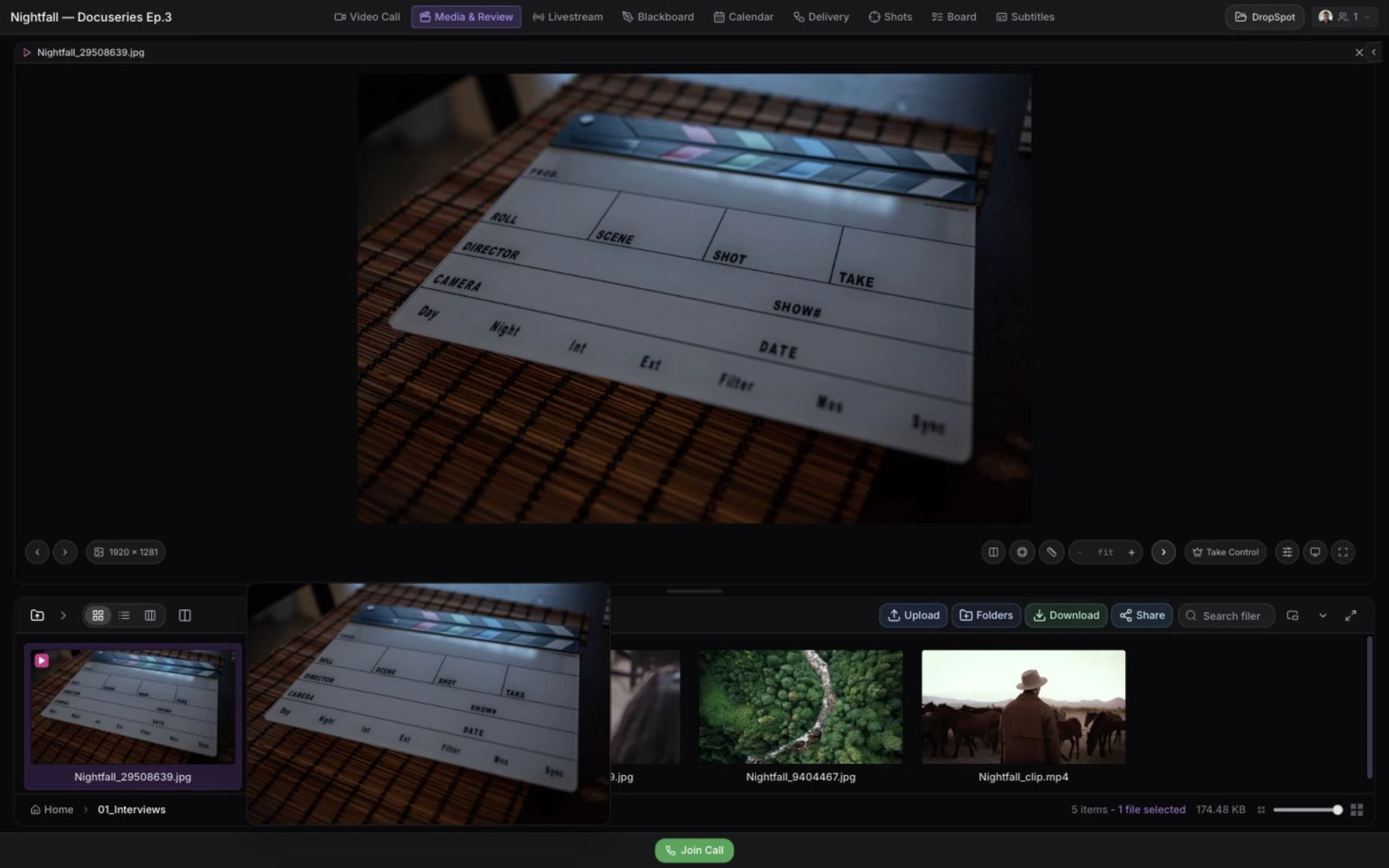
Media Browser
All project files, organized like your Finder.
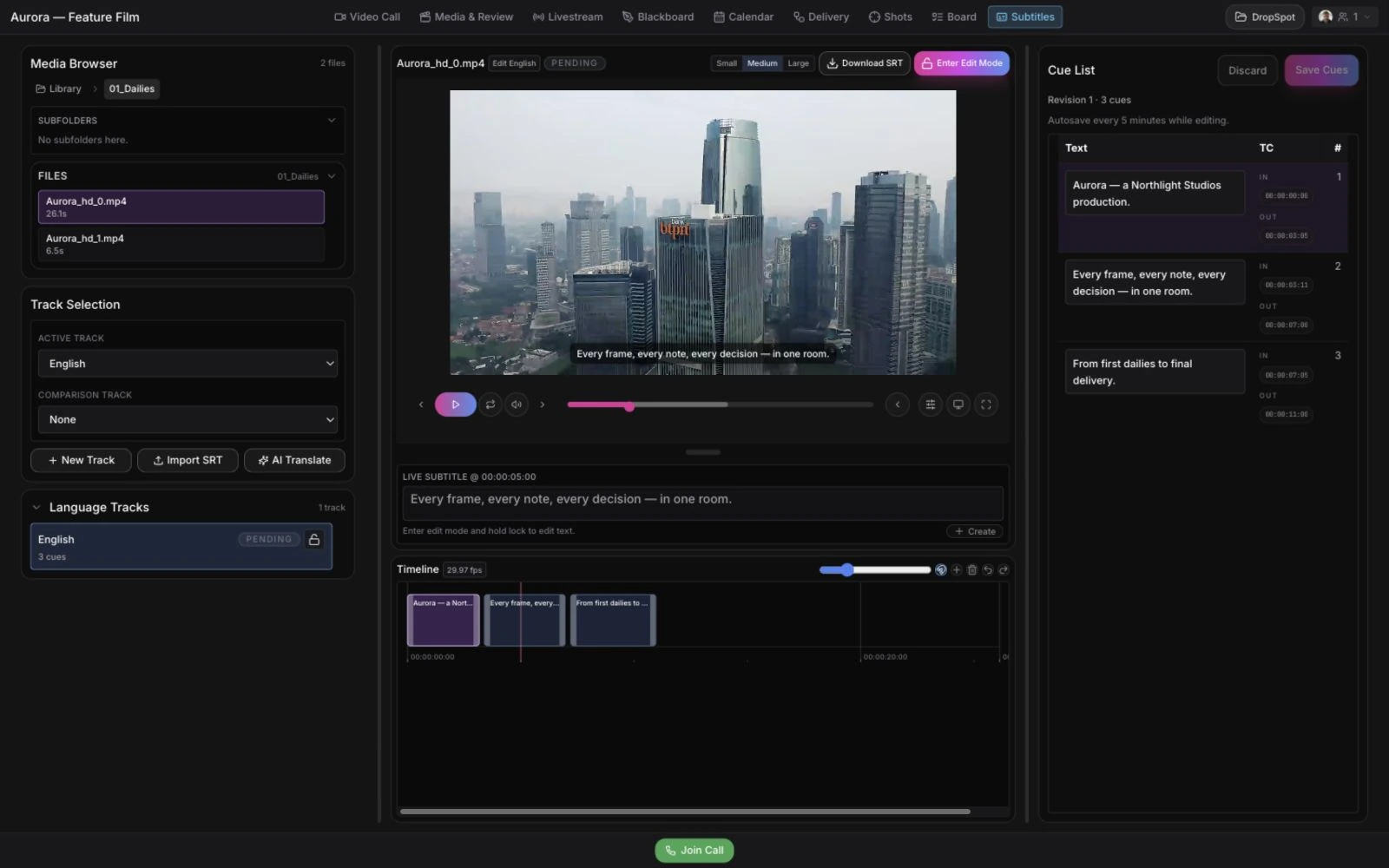
Subtitles
Subtitles without a separate tool.
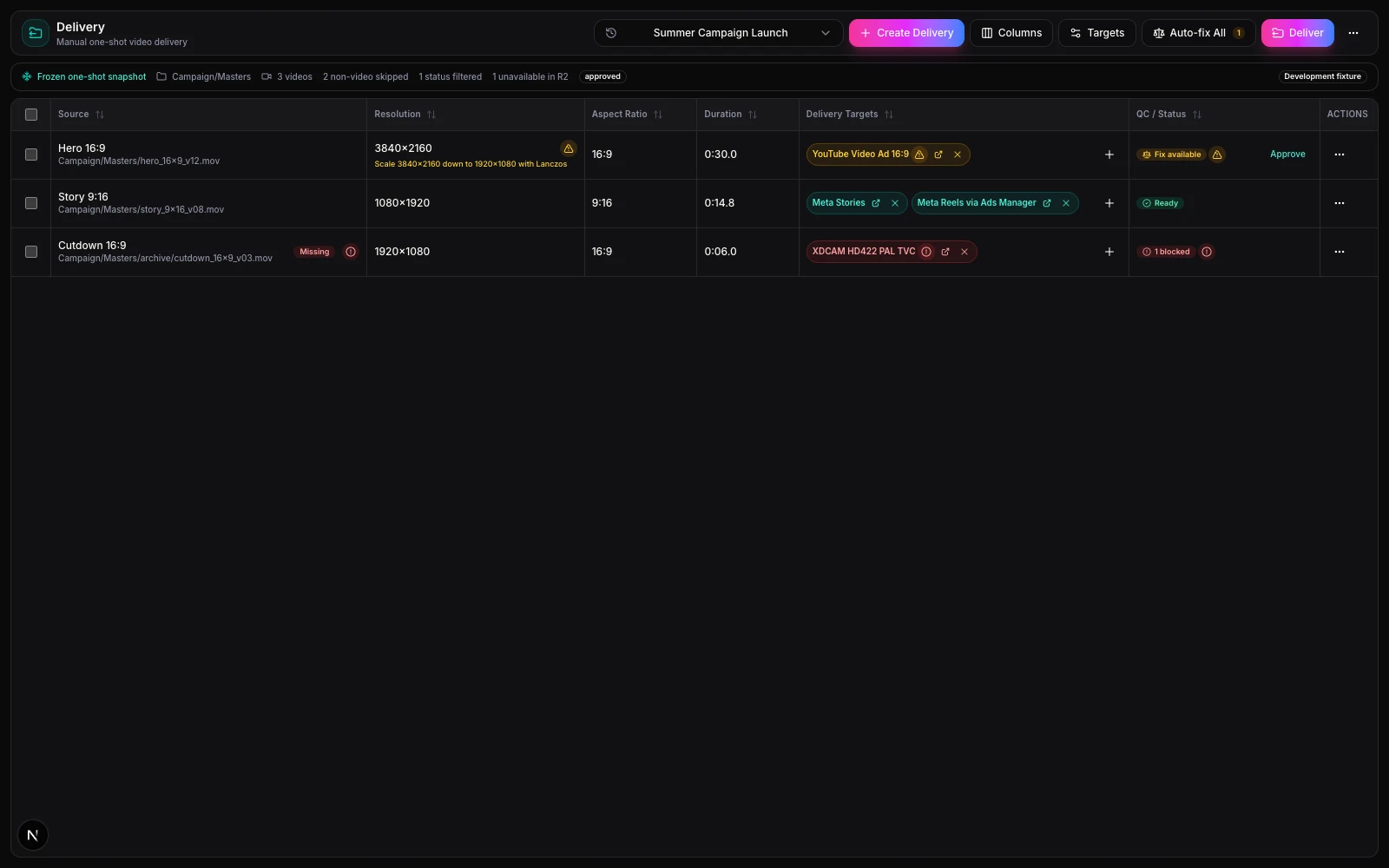
Delivery
A clean final handoff for clients.
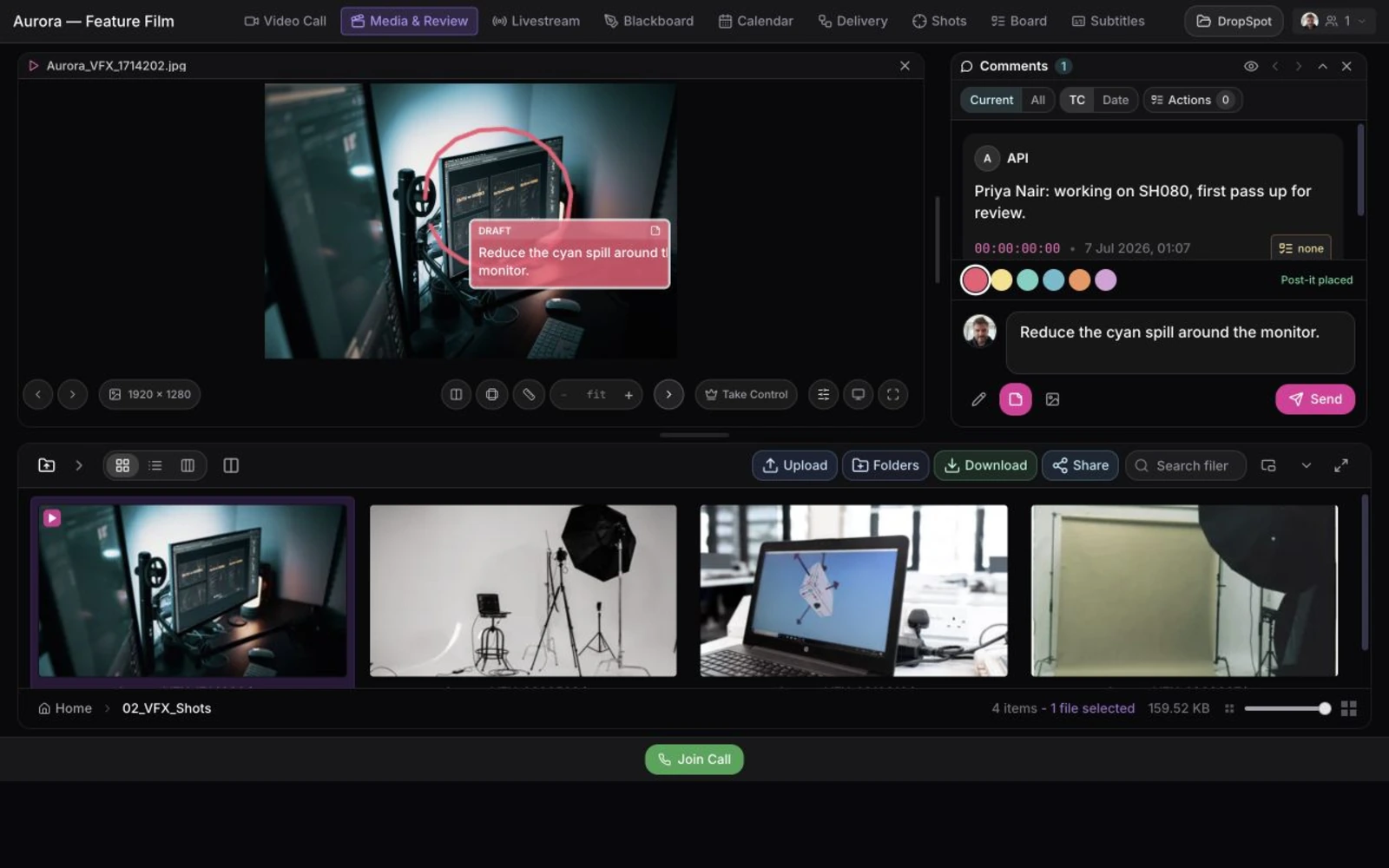
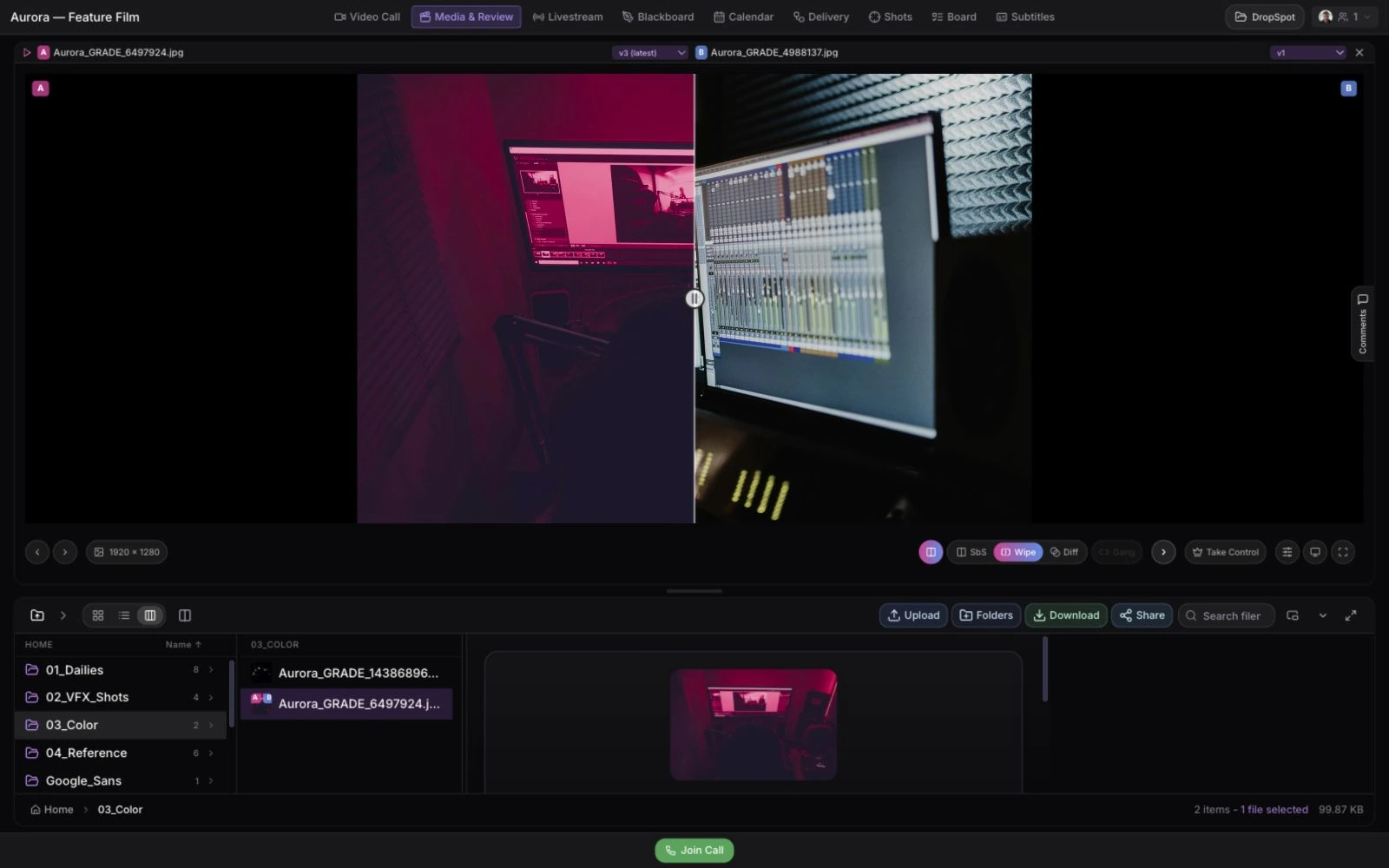
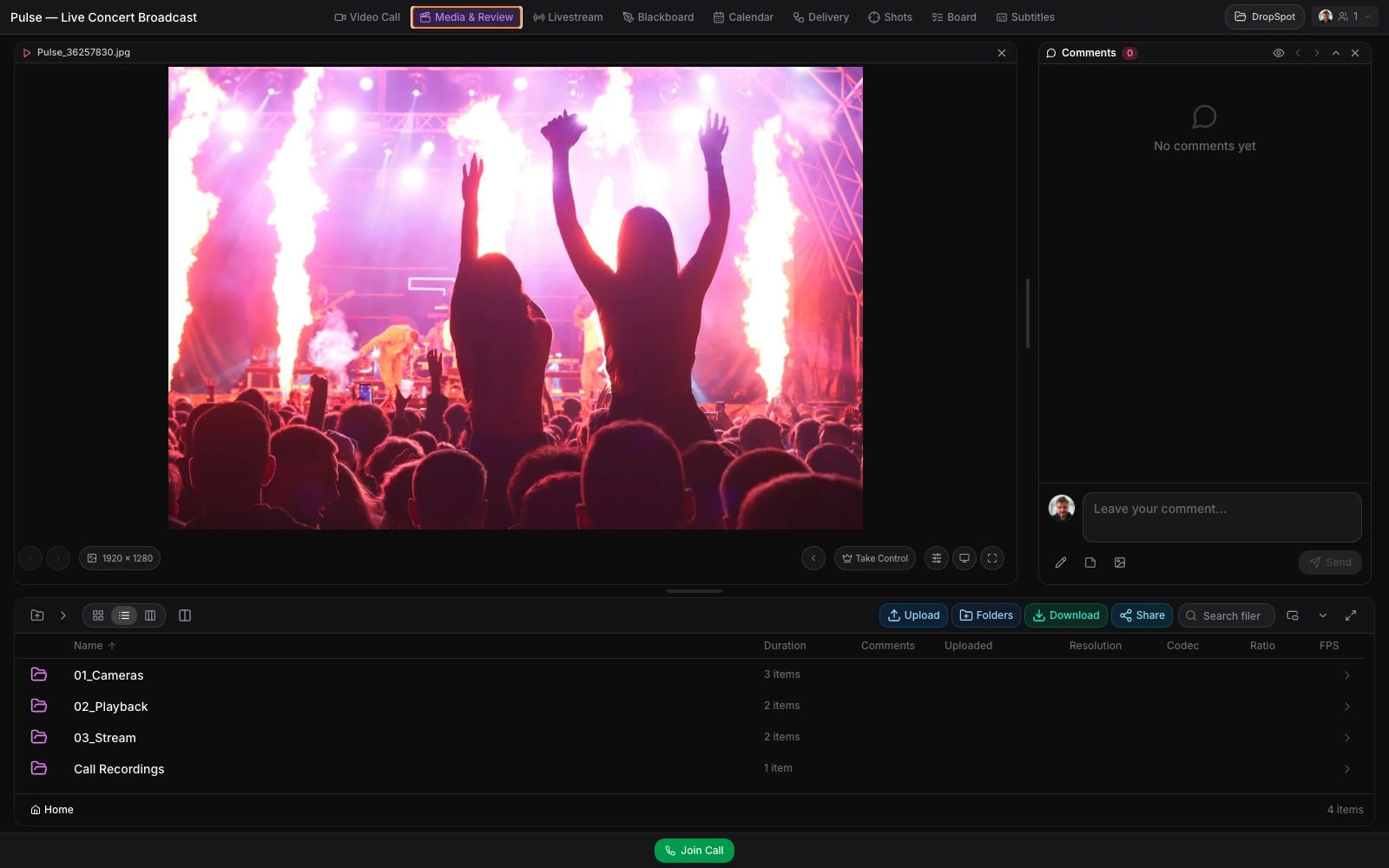
Draw on the image and pin a written note to the exact frame.
Live
Stream, talk, and sketch — in the same room as the media.
Livestream
Color-accurate live feeds from set or suite.
Video Call
Calls that happen where the work is.
Blackboard
A shared whiteboard for quick visual thinking.
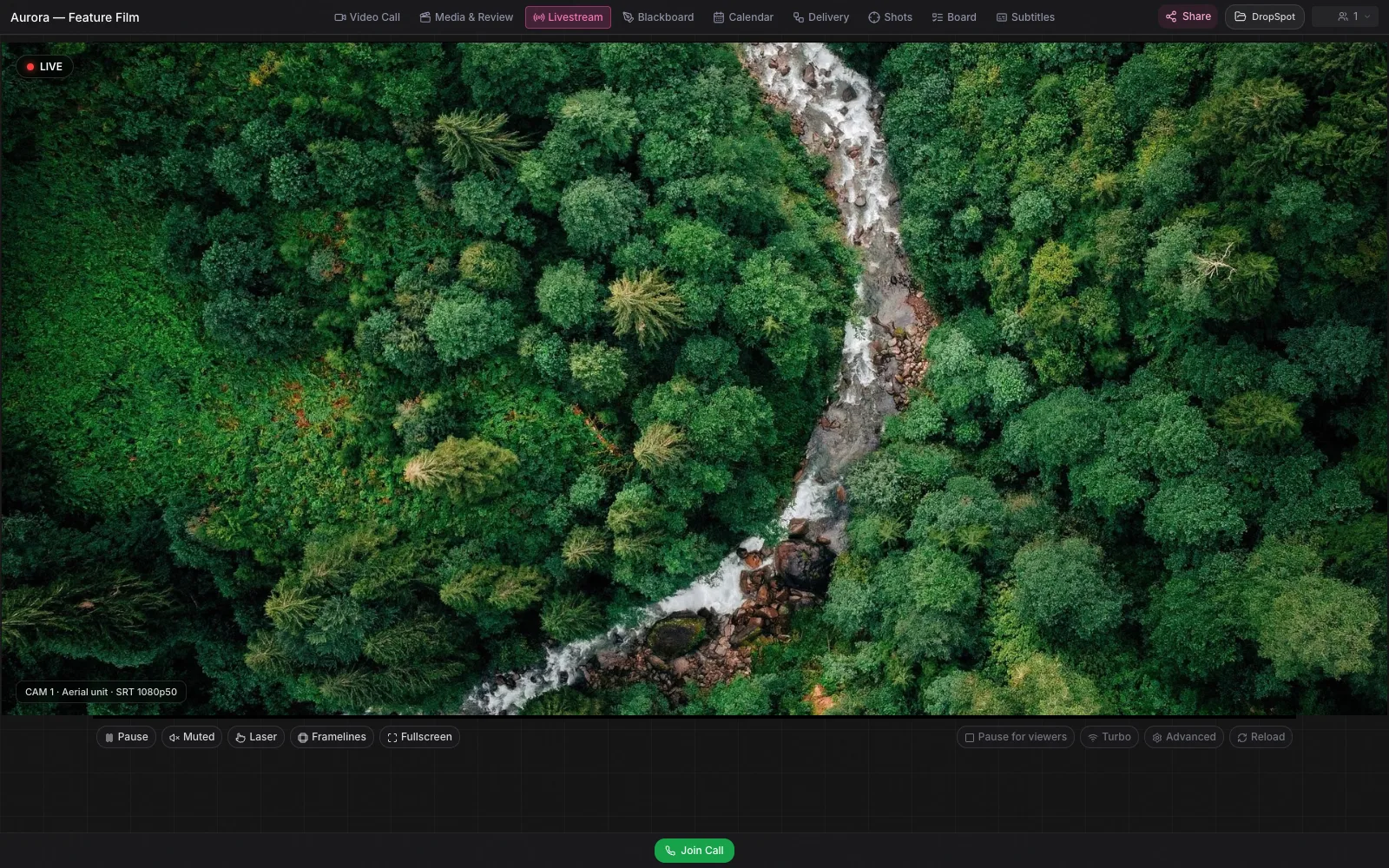
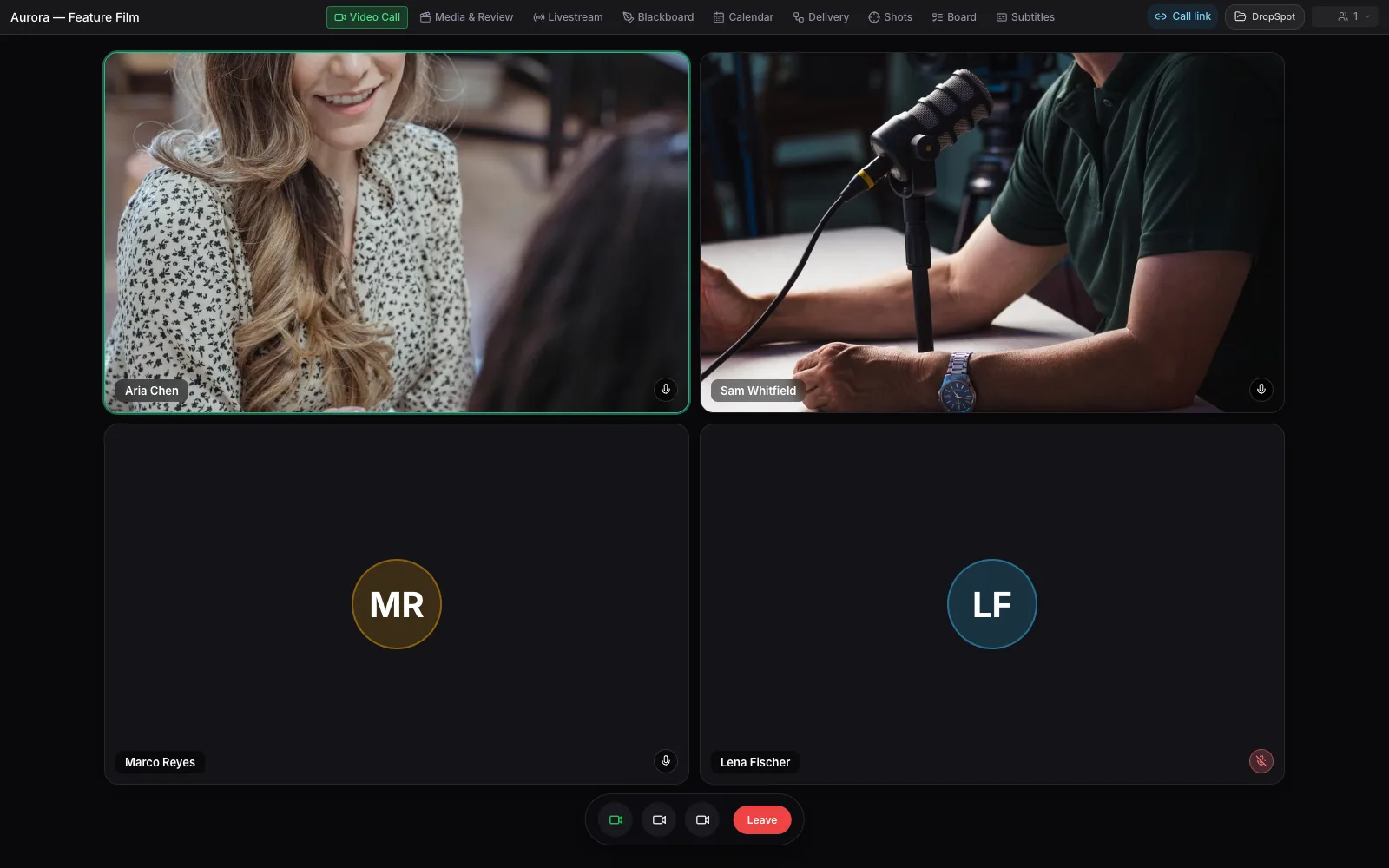
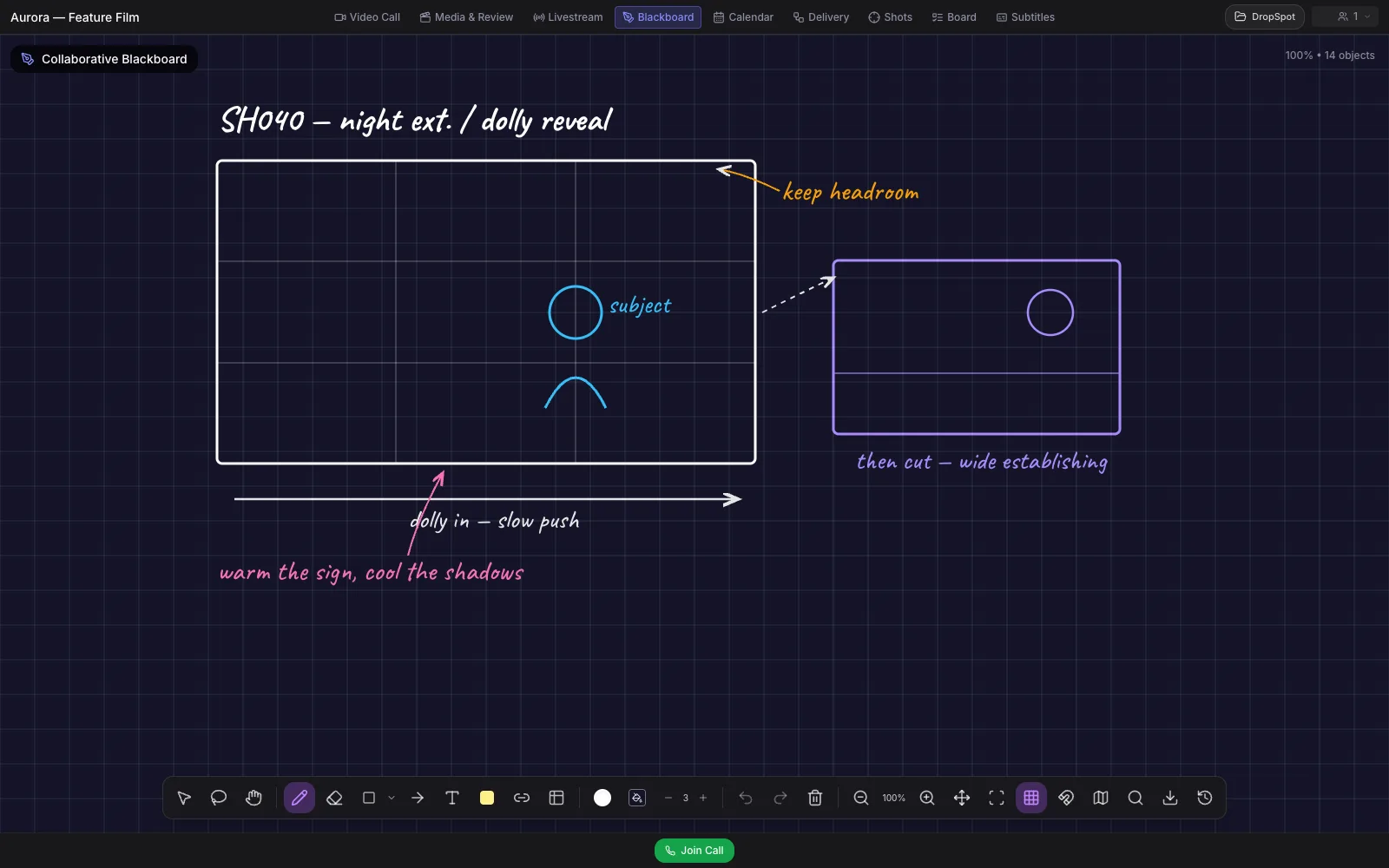
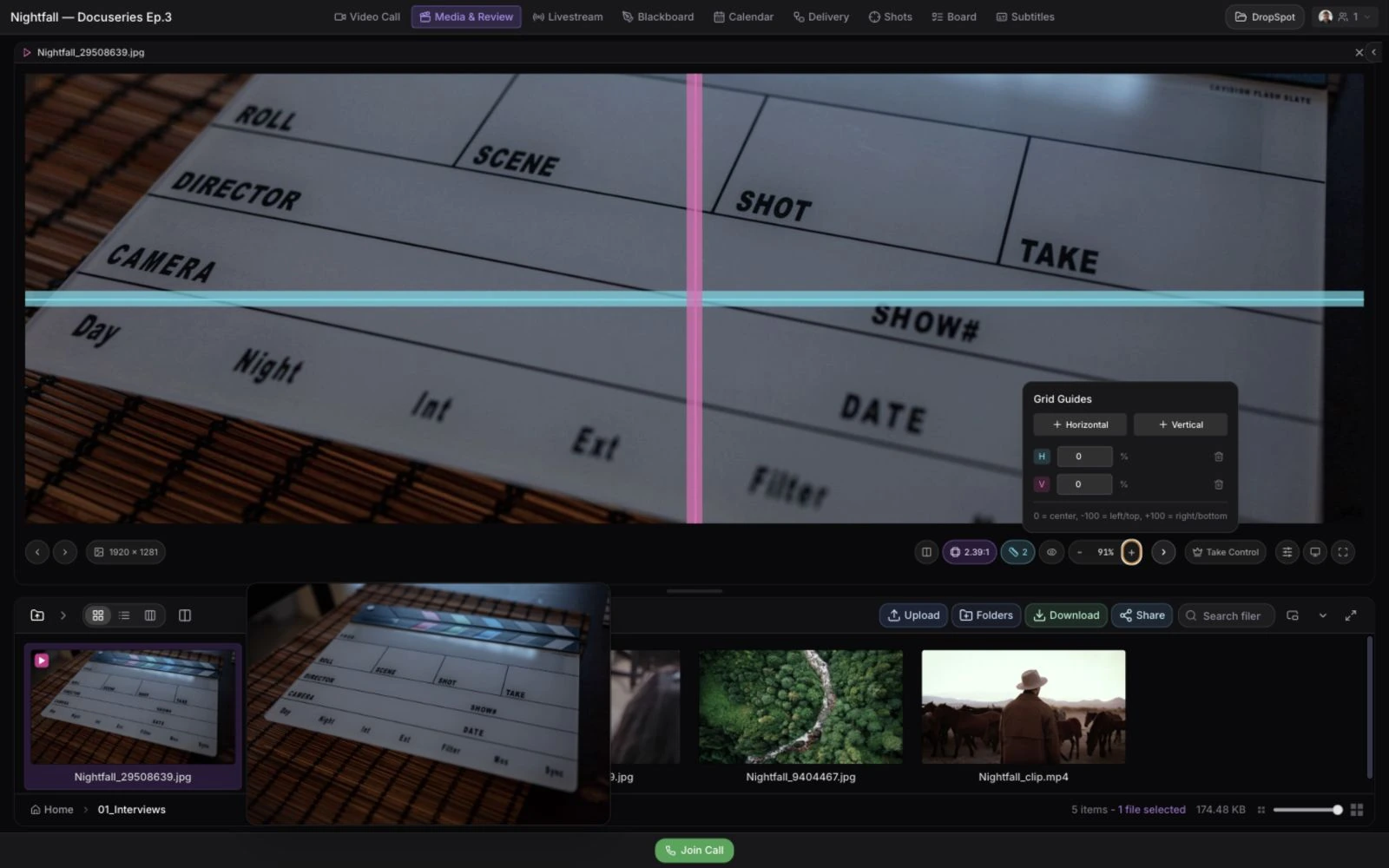
Color-accurate SRT/WHIP feeds with framelines and a live laser pointer.
Plan & Track
Keep schedules, shots, and notes next to the footage they belong to.
Calendar
Production planning next to the work.
Shot Tracker
Every shot, from award to final.
Live Notes
One shared doc for the whole project.
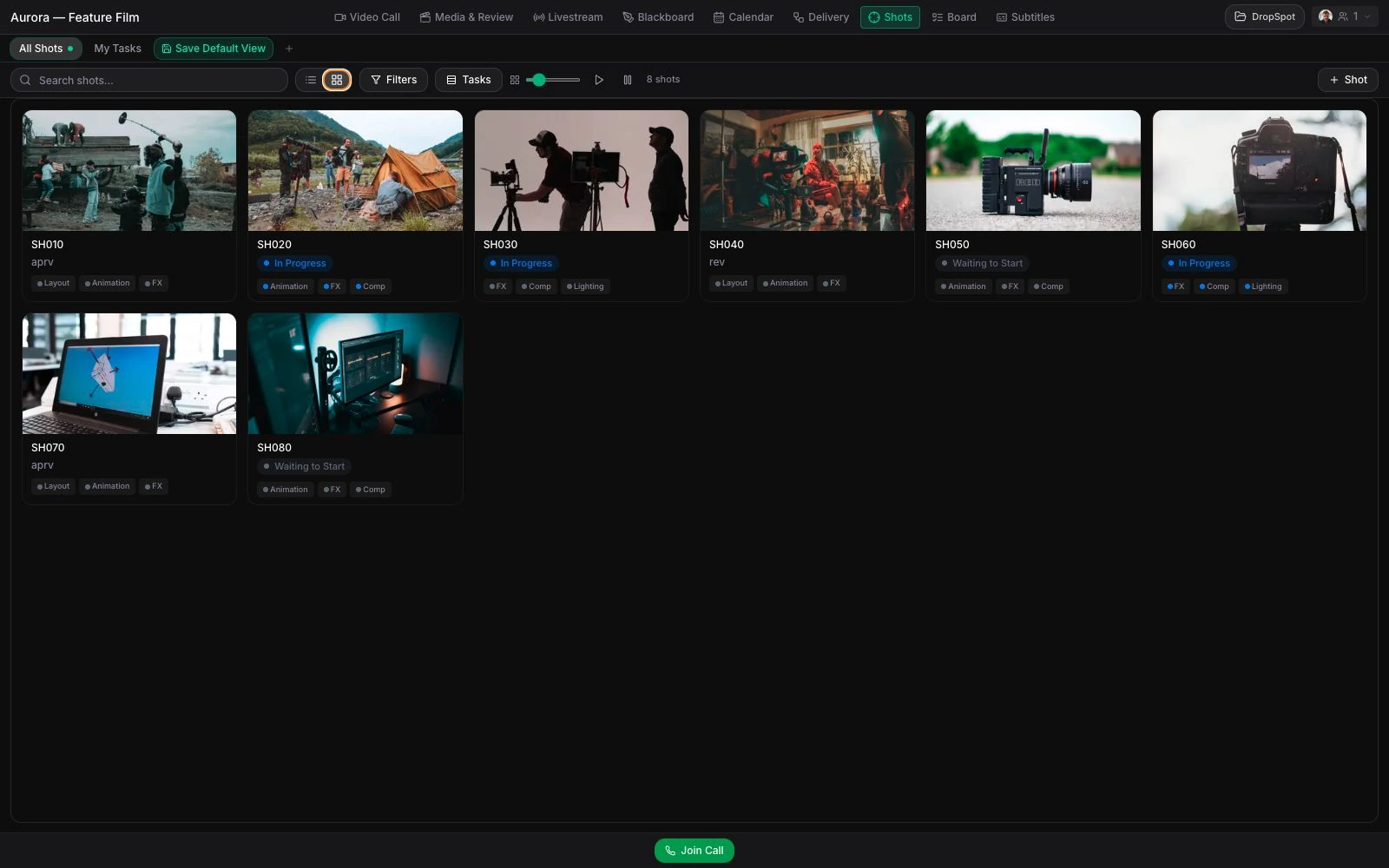
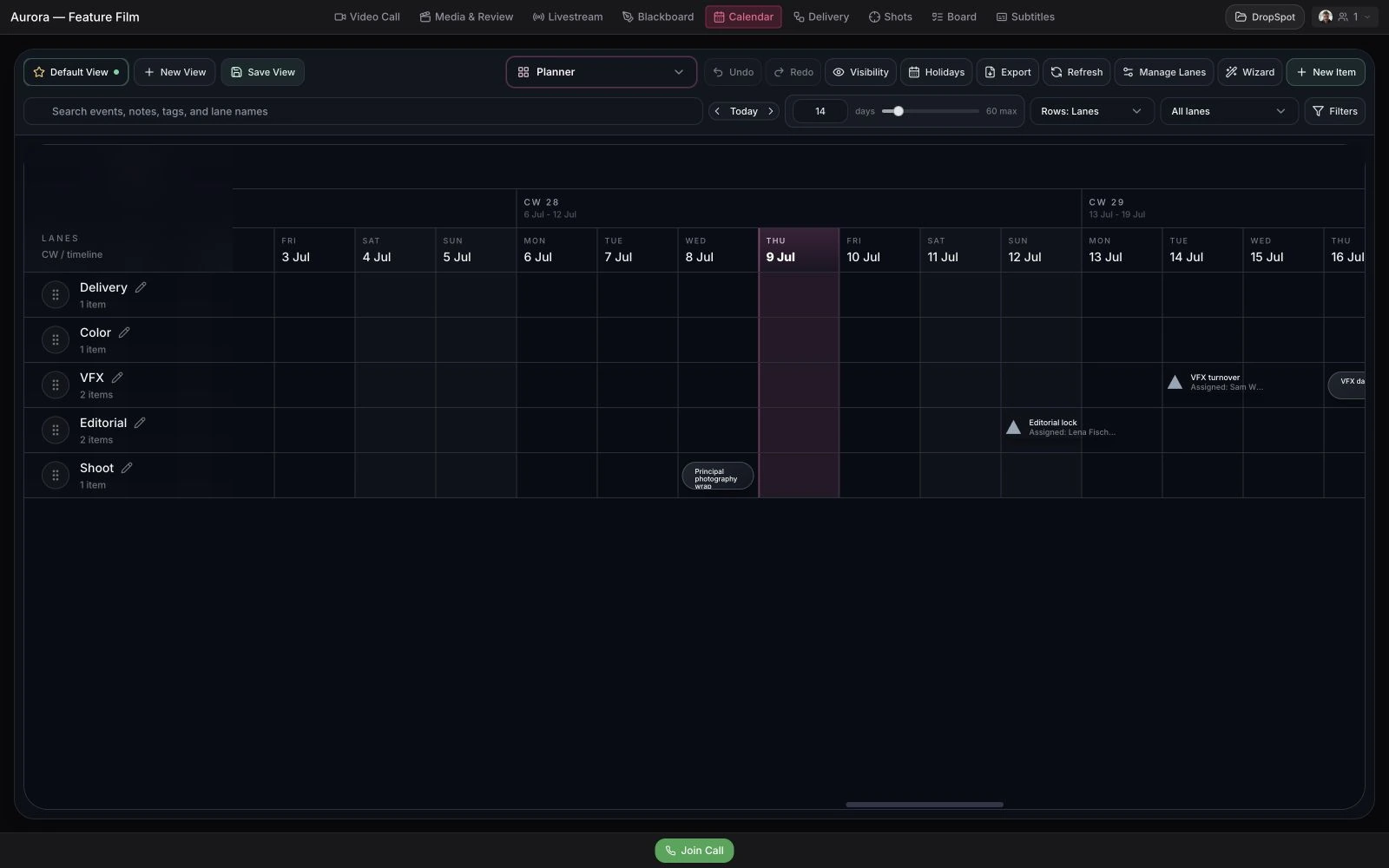
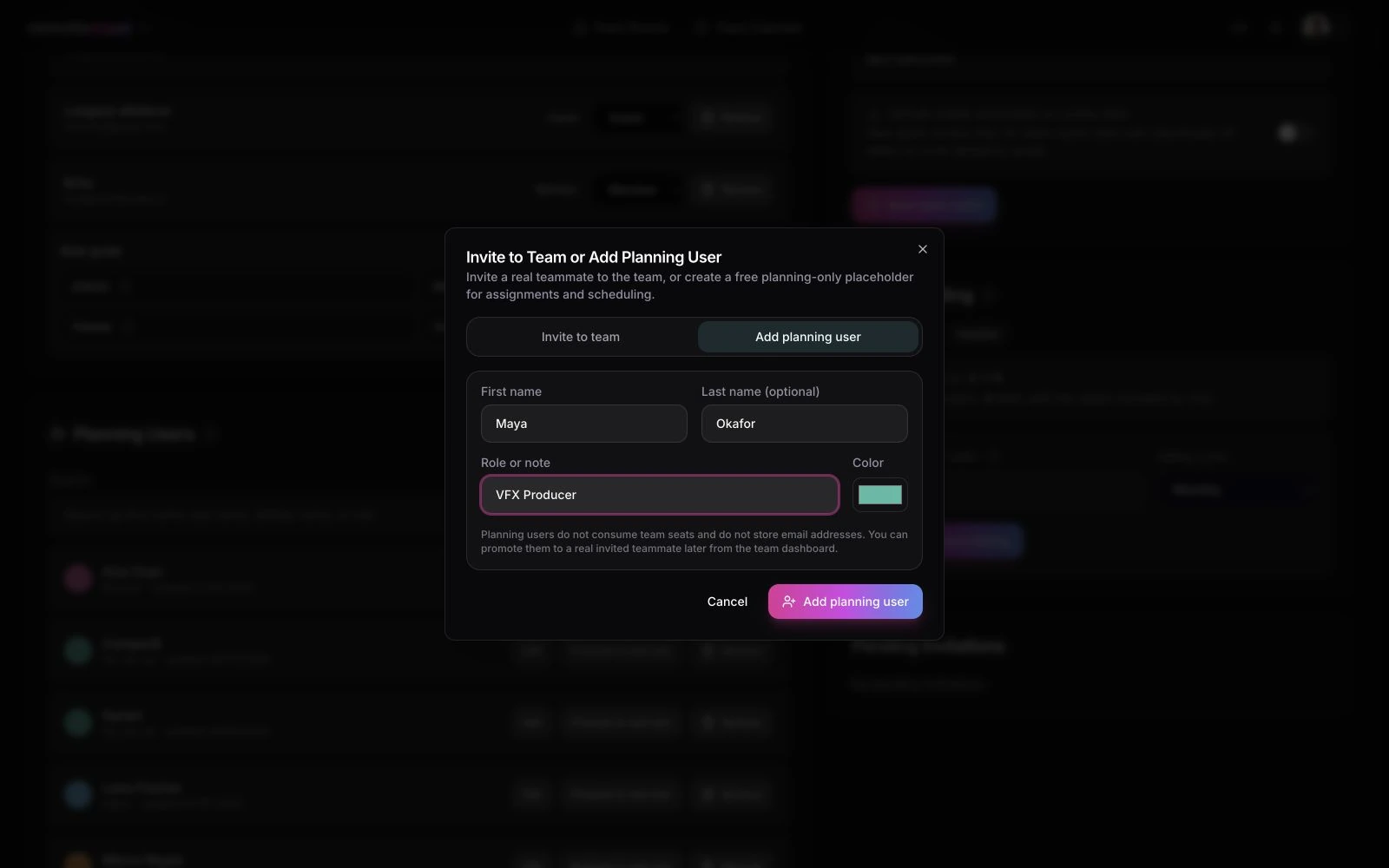
Shots, tasks, owners, priorities, and statuses stay linked to the media.
Less production admin. More finished work.
Mistral is live as our European managed AI provider. Delivery interpretation and meeting summaries are the first paths; the wider feature set below is rolling out around them.
Roomy
In progressA small project helper that understands the room you are already working in.
Rooms & sharing
Turn a plain-language request into a proposed room setup or the right client-facing link.
Meeting summaries
Make recordings useful after the call instead of leaving another long file in storage.
Delivery automation
Help producers translate delivery instructions into a handoff that is easier to check and send.
Transcription & subtitles
Move spoken content into transcripts, summaries, subtitle tracks, and translated versions.
Support & tickets
Get a useful answer first, then capture what the team needs when the issue should be tracked.
One switch turns all managed AI off.
Disable AI once at account level and Roomy, summaries, transcription, subtitles, support, and delivery assistance stop sending new work to the managed provider. Business and enterprise customers can instead bring their own LLM and S3-compatible storage.
One link gets everyone in.
Viewers never need an account. You decide exactly what each link can see and do — and every link can be password-protected.
Share Links
Start with review-friendly defaults, then share one file, a folder, a livestream, or a complete room view.
Granular link controls
Expand Advanced settings when a link needs its own schedule, pages, or permissions.
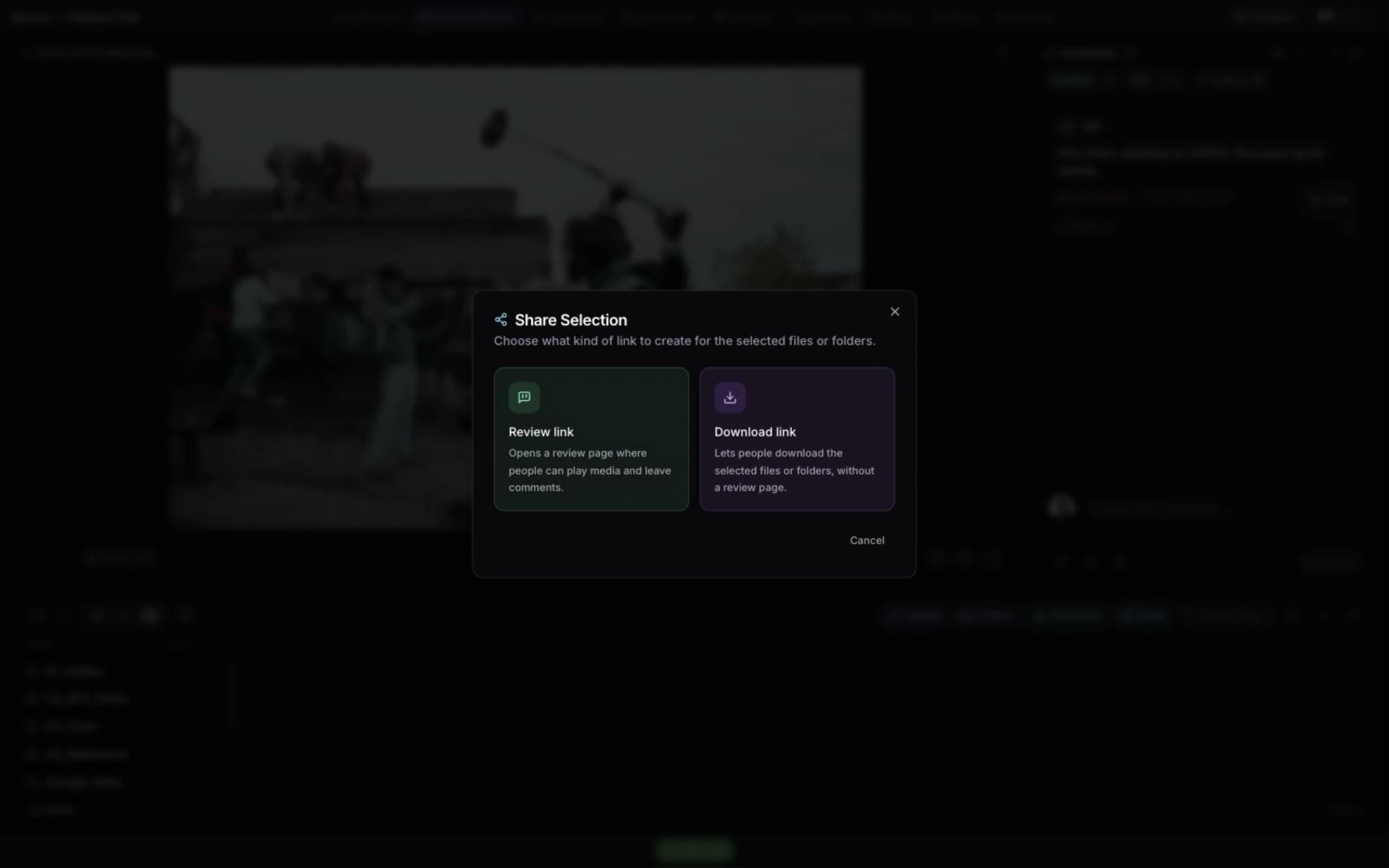
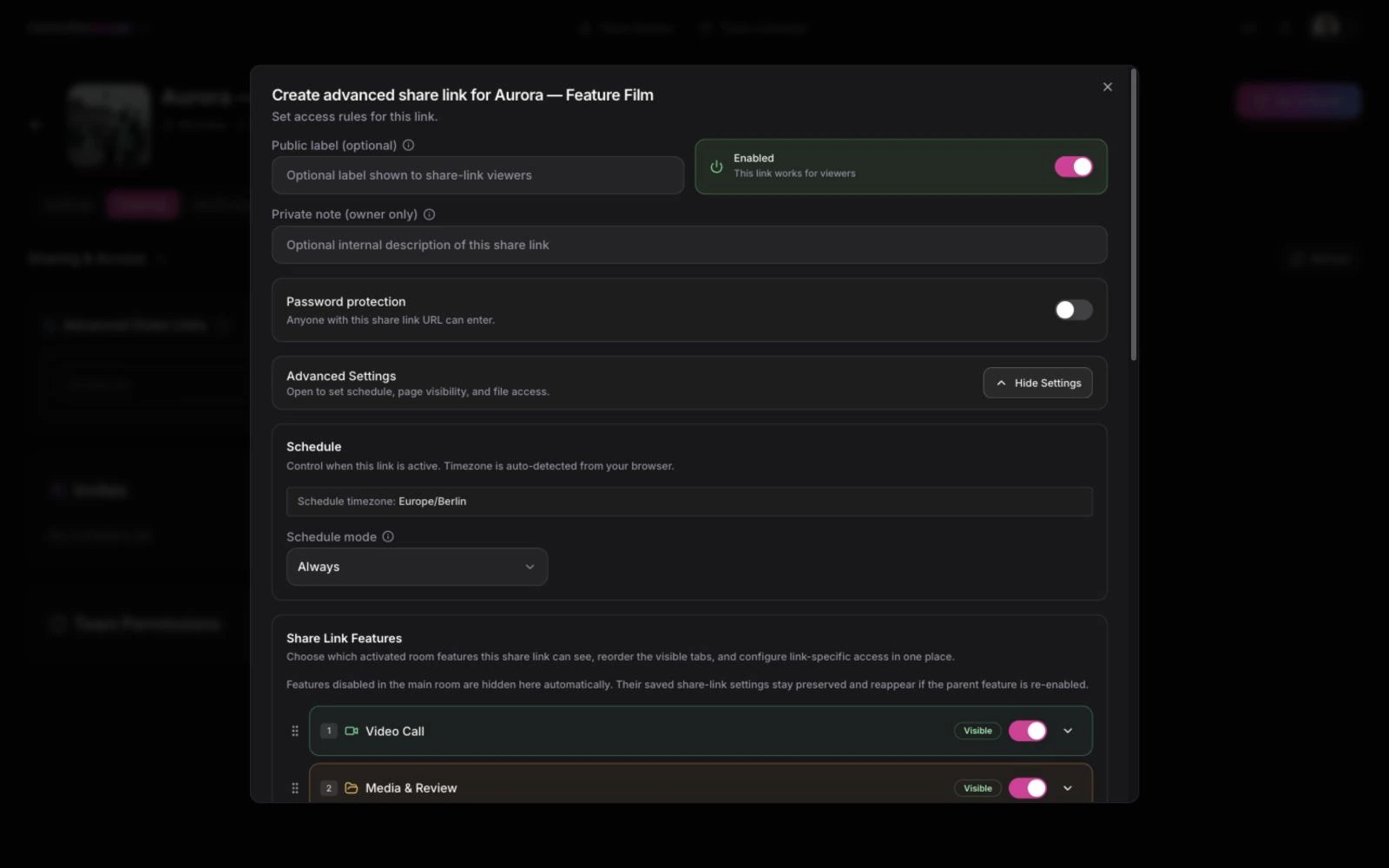
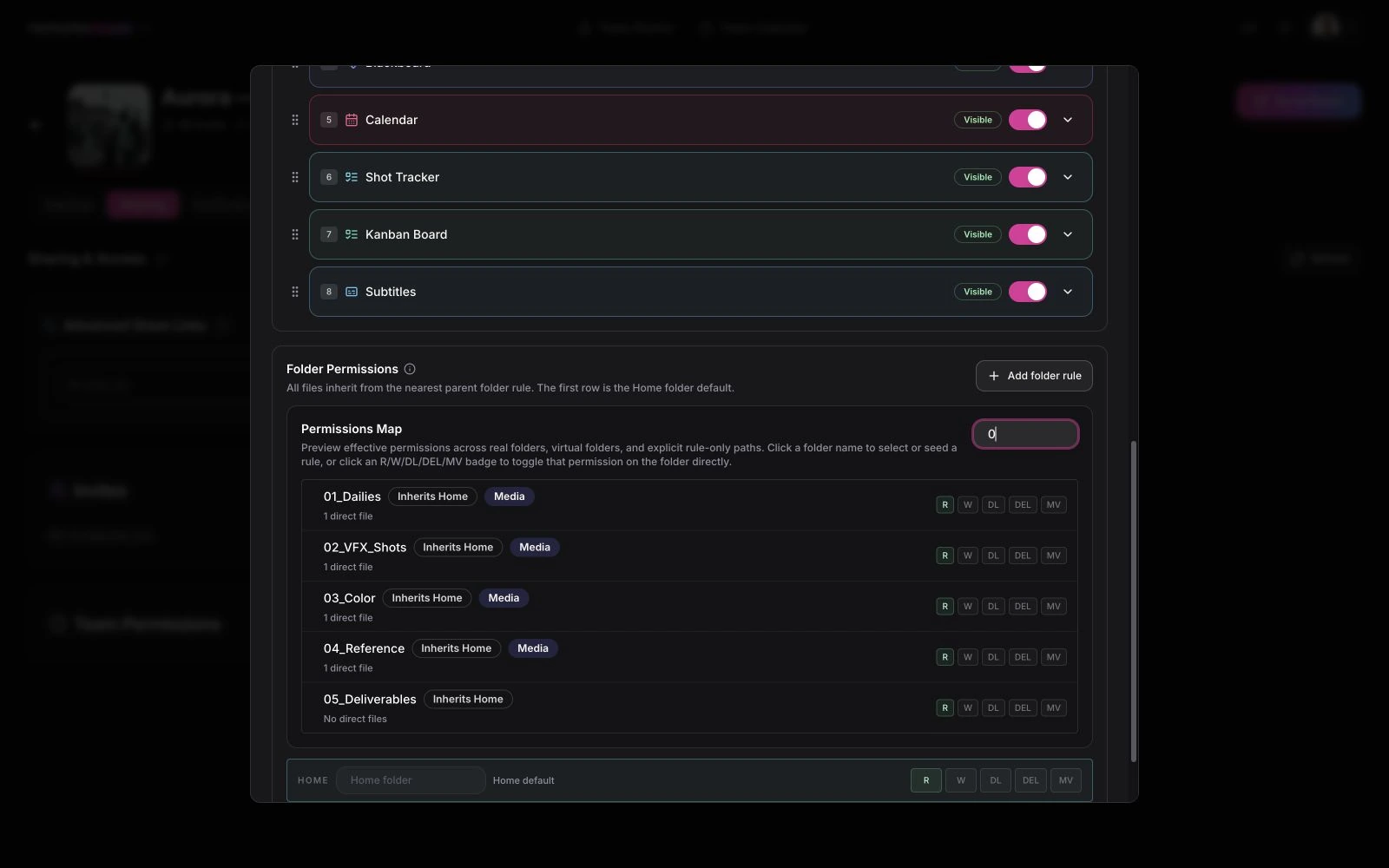
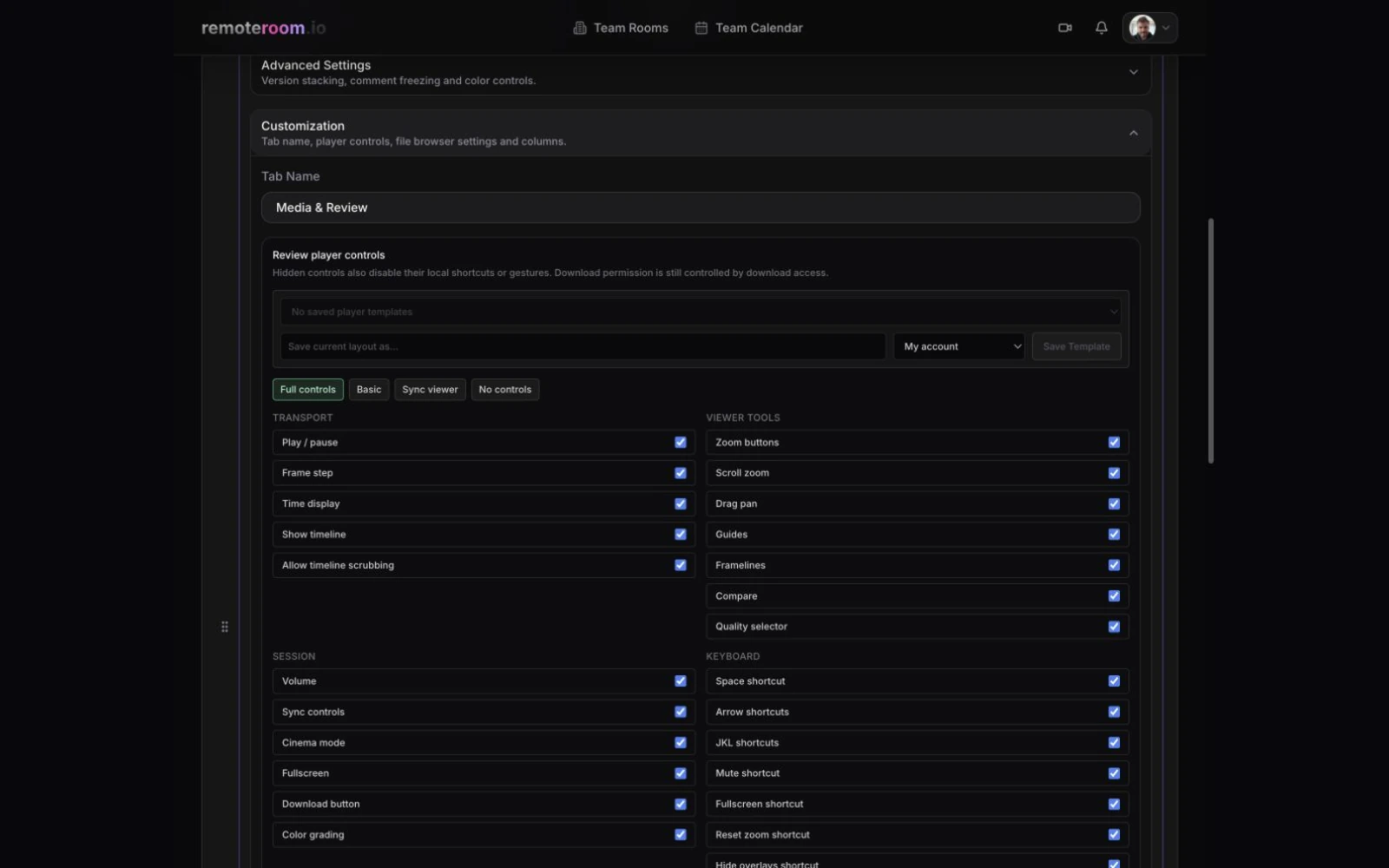
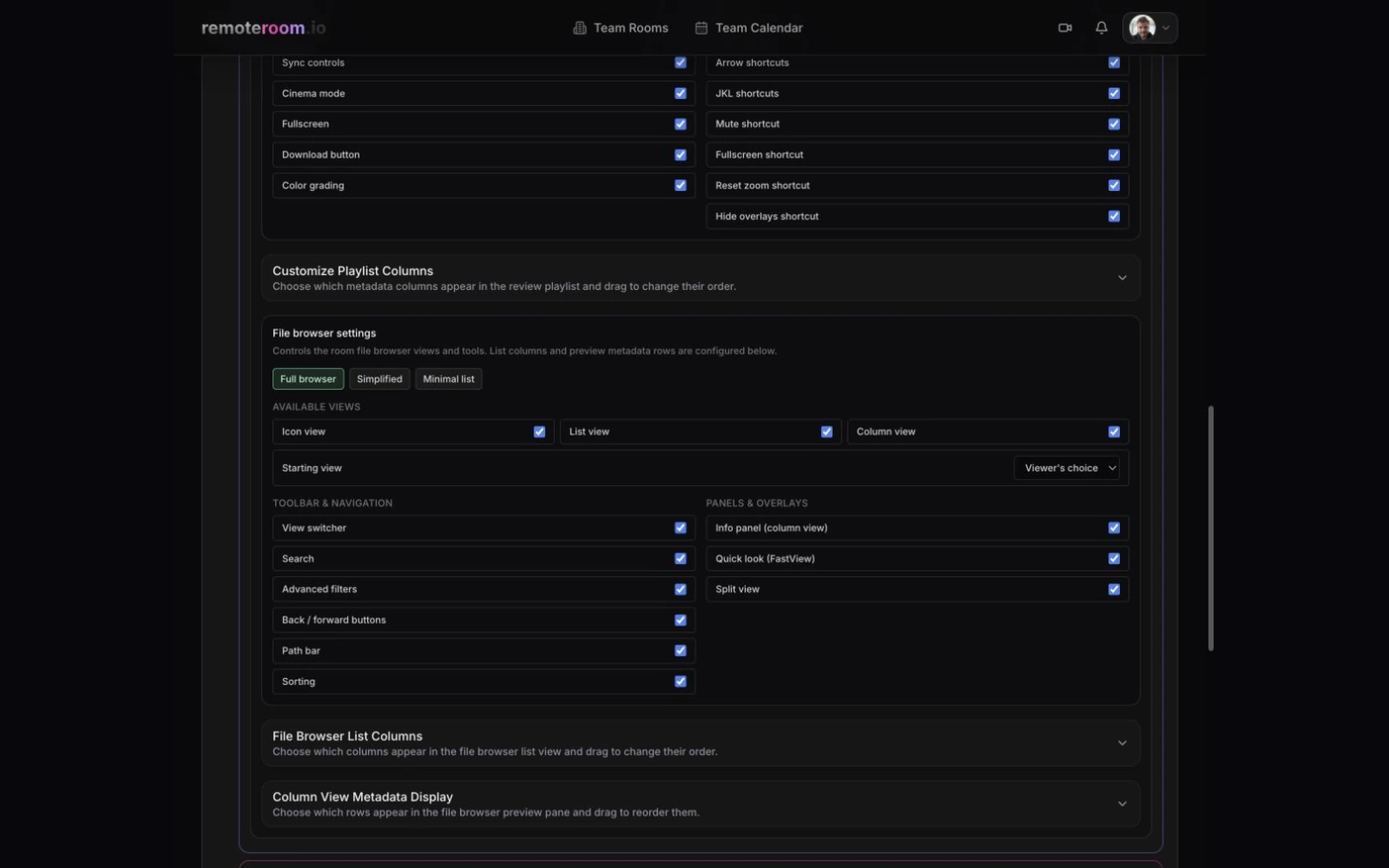
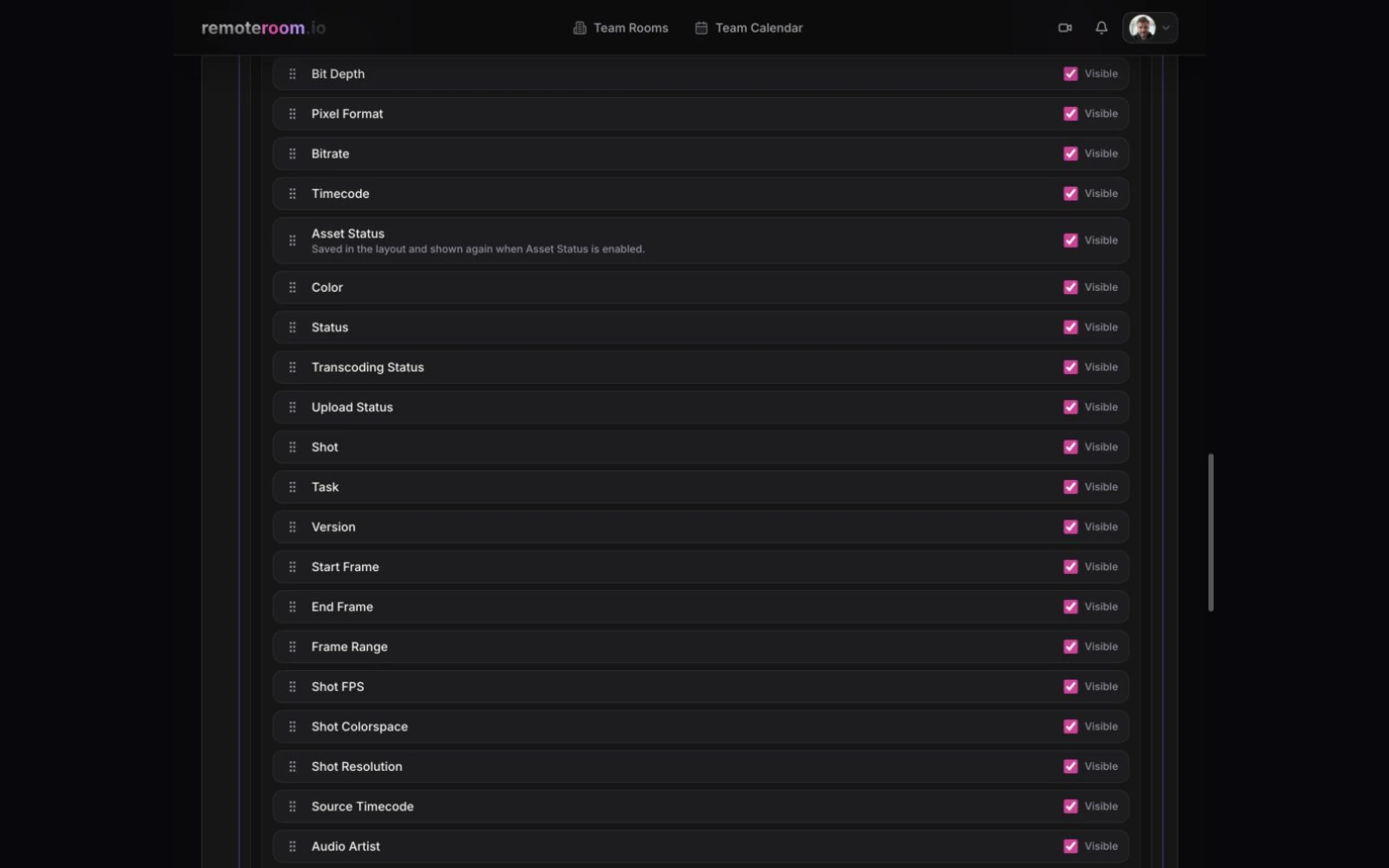
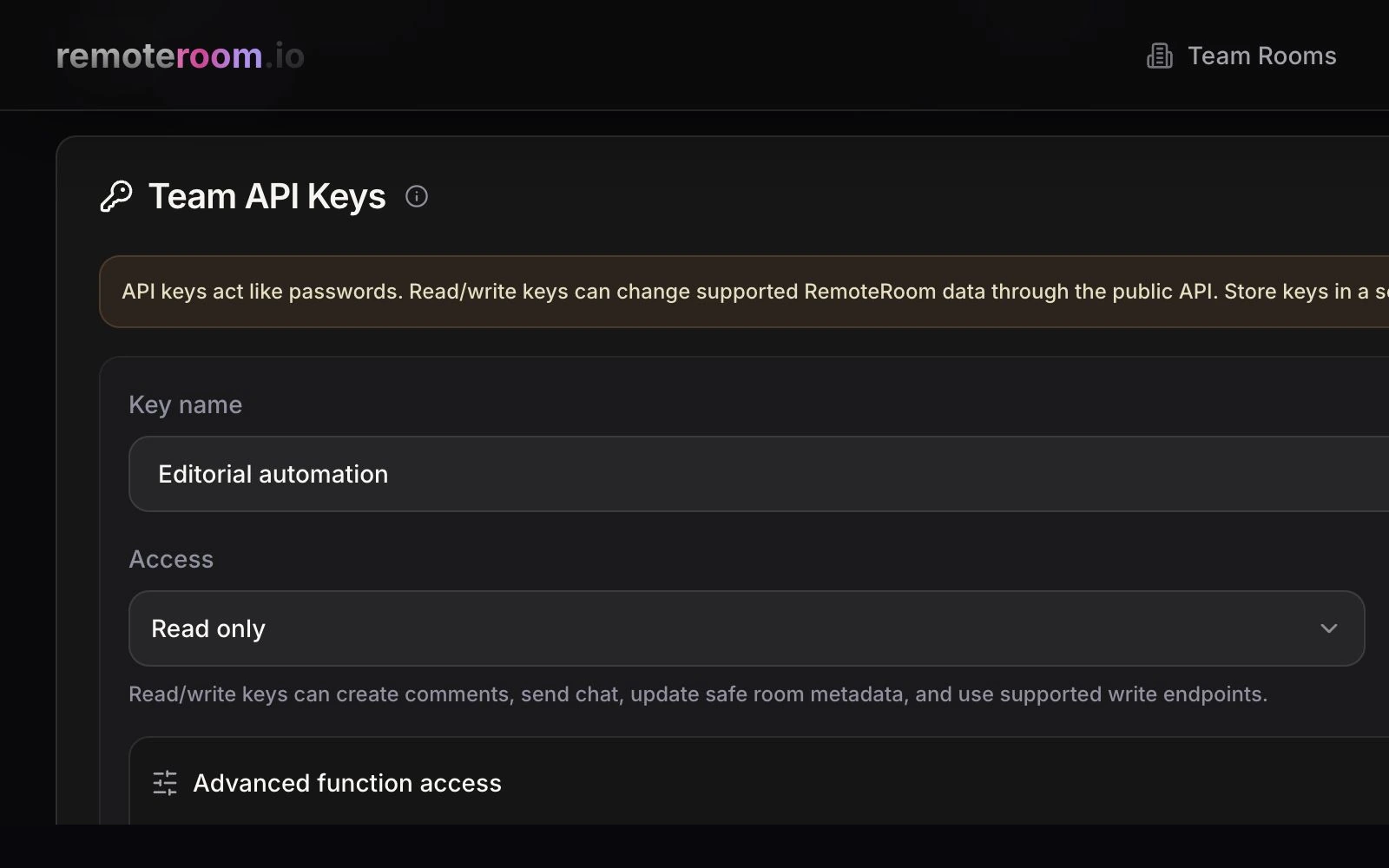
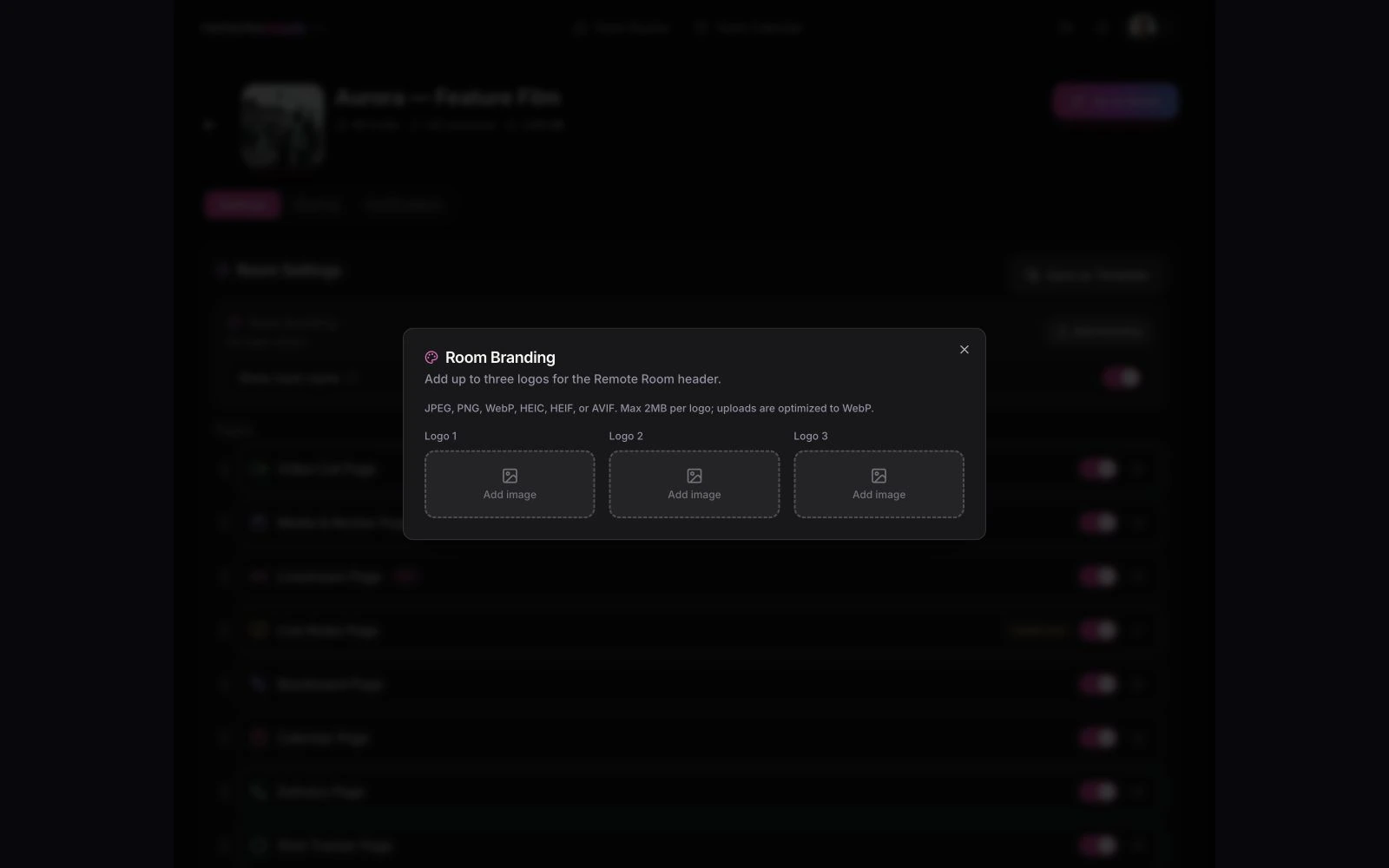
Create one configurable link for exactly the pages, files, and folders you choose.
Plugs into the tools you already run.
Feeds come in over standard protocols, notes go out in the formats your finishing tools expect, and the API automates the rest.
Adobe Premiere Pro
Send SRT straight from the edit timeline.
Autodesk Flame
Stream color-critical finishing sessions.
Hardware encoders
Teradek, Blackmagic, Kiloview, and friends.
OBS, FFmpeg & more
Anything that speaks SRT or WHIP works.
DaVinci Resolve EDL
Importable timeline markers with timecode, notes, color, and duration.
Pro Tools MIDI
Standard MIDI marker events for audio post sessions.
Nuendo + Logic Pro MIDI
Named timeline markers in each DAW’s documented MIDI interchange.
CSV + PDF reports
Clean summaries for clients and producers.
Public API & MCP
Automate rooms, links, media, and deliveries from your own tools — or let an AI agent do it.
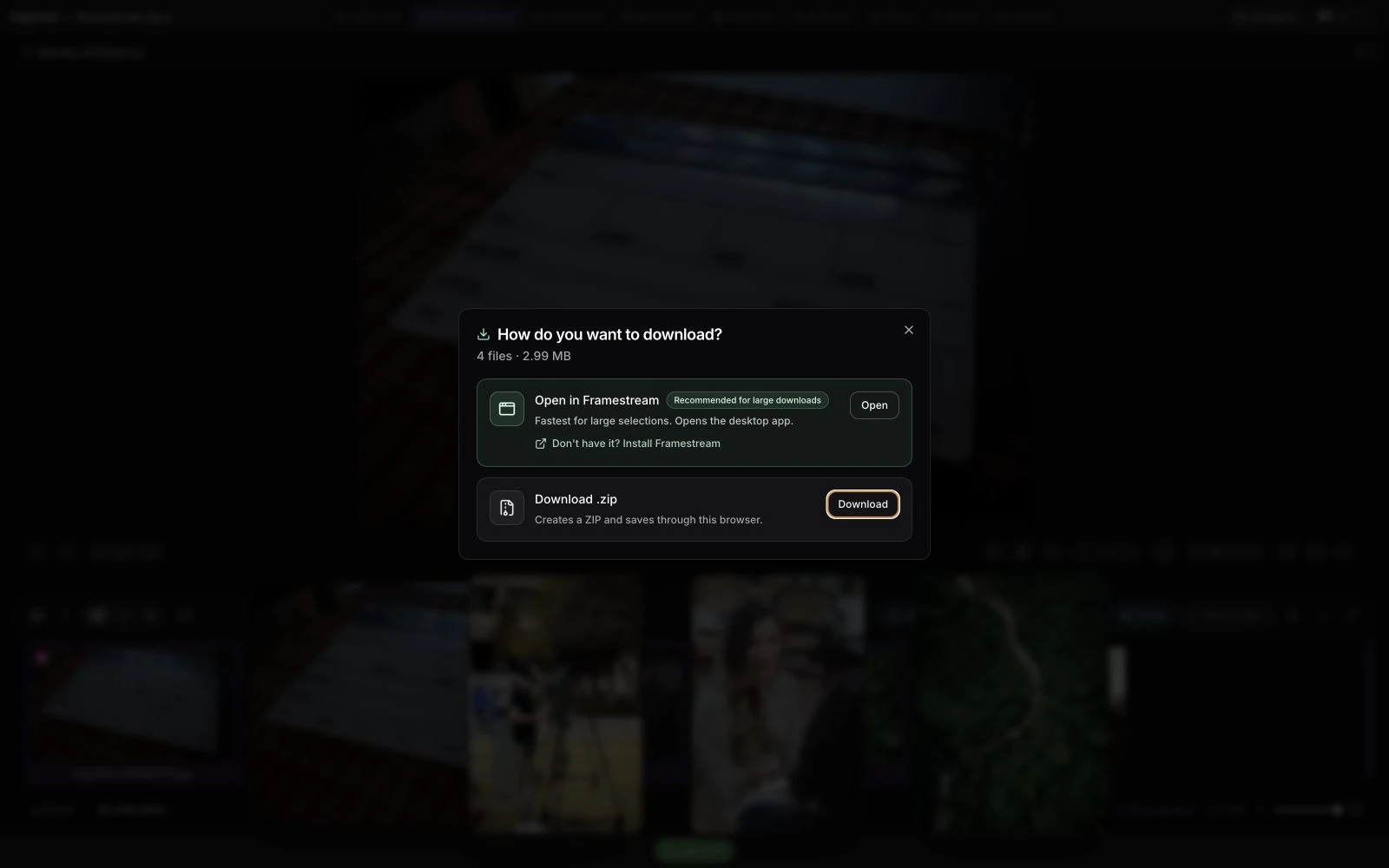
FrameStream desktop app
A free desktop companion for macOS, Windows, and Linux — built for moving heavy files fast.
Broadcast-grade. Built in Europe.
The picture holds up to professional scrutiny, and the infrastructure holds up to your legal department.
Built in Hamburg. Clear about your data.
remoteroom.io is designed, developed, and operated from Hamburg, Germany. Our core infrastructure is EU-hosted. Read the provider list and processing details to check how your production’s requirements fit.
remoteroom beyond the browser.
remoteroom.io for iPhone and iPad
Native review, media, chat, calls, and notifications. Available now through Apple TestFlight.
Join the iOS betaremoteroom.io View for Apple TV
Fullscreen livestream monitoring with QR sign-in and remote-friendly controls.
Try it with your own footage.
Request beta access for your production. We’ll review your request and help you choose the right starting point.